




Counting calories through your smartphone is never fun. It’s basically a chore to enter data into an app.
The CARROT Hunger app aims to solve this problem by being a sassy robot that shames you every time you log food into the system. It sounds miserable, but it’s actually a hilarious experience.
Carrot sets up your profile up through a series of questions that look like this:

It tells you politely why you should turn on push notifications.

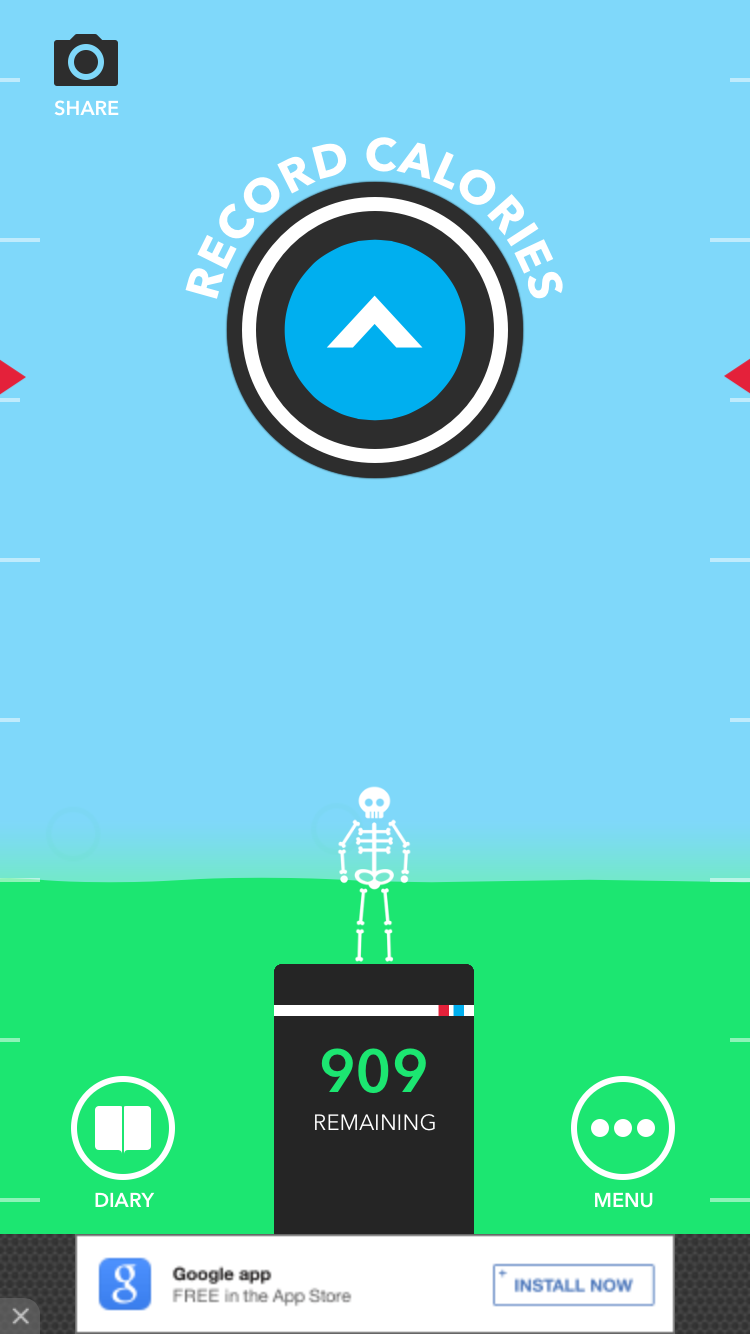
This is the main “home” screen
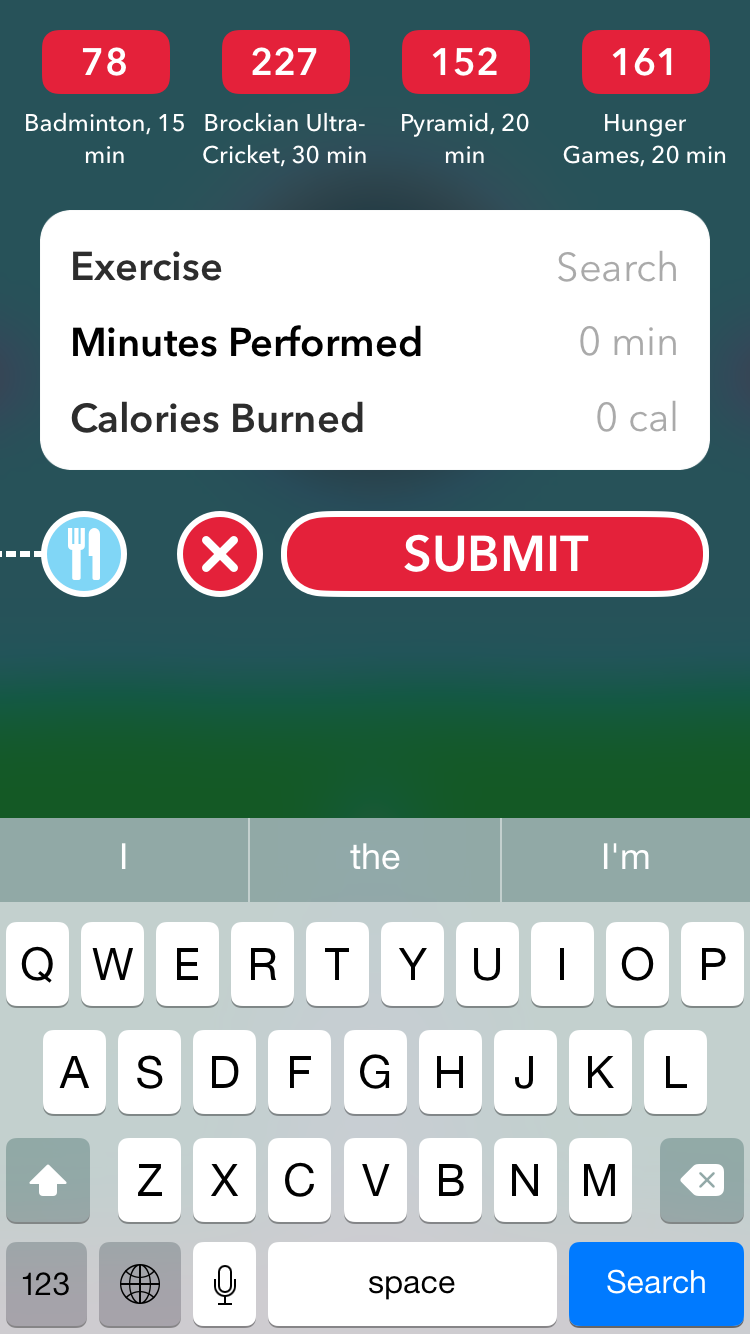
You can log exercises too. The Hunger Games is an example of an exercise…
AND bonus points for thinking about iBeacons!

Short Medium article that really resonated with me
Ambitions of a Junior Designer: Make It Look Good

Ambitions of a Senior Designer: Make New Value
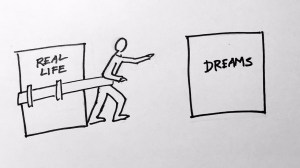

Habit-building apps on your smartphone are cool, but let’s face it. Sometimes, you just want something simple that’s going to help you push yourself towards a goal. It can be really nice to physically mark a piece of paper in contrast to tapping a glass screen after you’ve finished a daily task. So I decided to make some printable project planners for y’all.
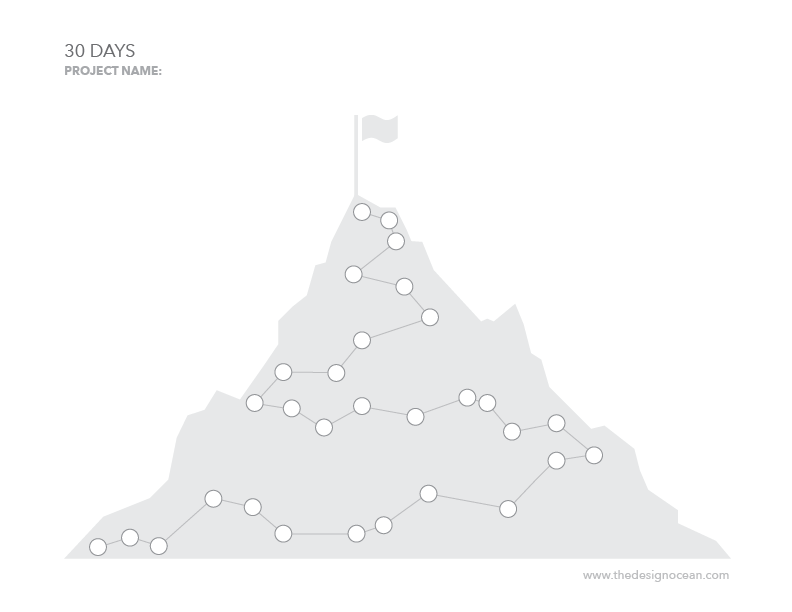
30 Days – Project/Habit Steps (Download)- Based off of the “Better Every Time” app (see previous post), this one lets you progress up a mountain as you’re working on your project/goal. For visual people who like to be rewarded when they reach the peak (i.e. me).

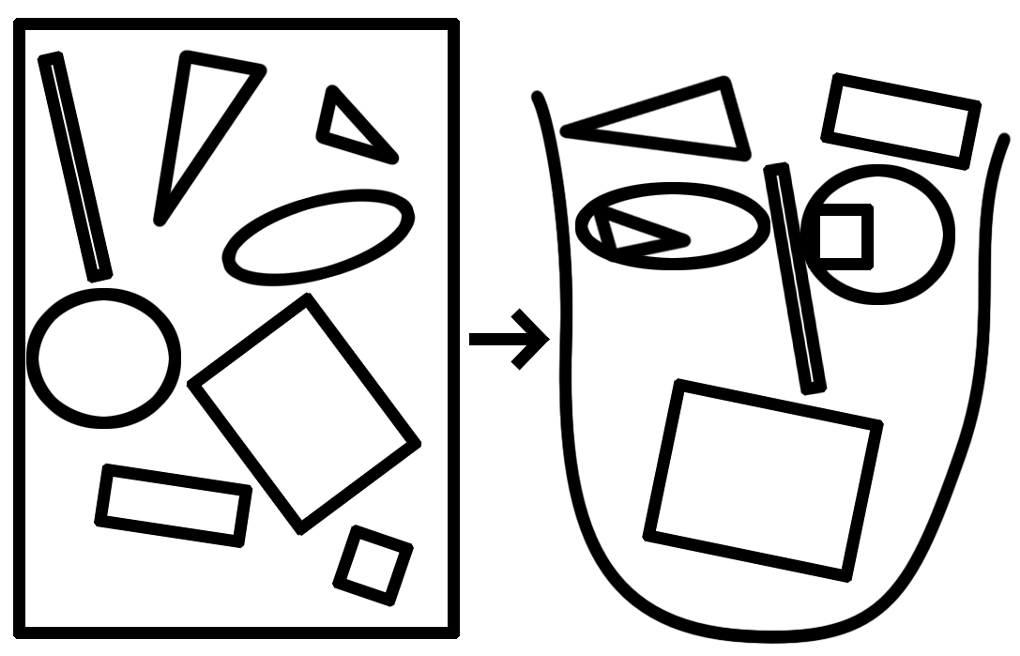
Project – Visualize Steps (Download) – IKEA your project. Draw out little thumbnail instructions for yourself so that it’s not threatening. Then when you’re done, you get to put a big red X over it!

Projects – Tasks (Download) – This is for people who have ten different projects and are at different phases in each of those projects, which each have a numbers of tasks that have to be completed.
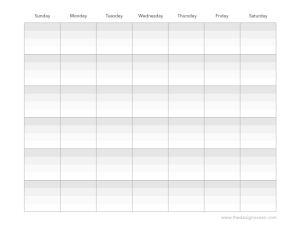
Month Calendar – Project Tasks (Download) – This is for y’all that want to mark your project’s tasks and progress on a month calendar.
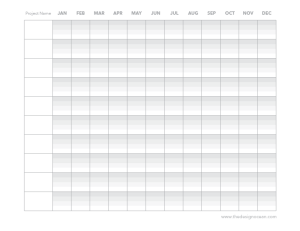
Year Calendar – Project Tasks (Download) – This is for the wicked ambitious that have multiple long-term projects. You can use it as a gantt chart or as a general monthly task list.
Every couple of months or so, I start a new project and wonder why it doesn’t get done. I decided I wanted to make project-creation a habit-related task that I could do every day. Since, I live and breathe apps as a mobile UI designer, I decided to test out some apps that could potentially help me with my problem.
My goal was to find an app that could actually help motivate me to do the task rather than make it a chore. I downloaded 5 habit-building apps that seemed legit, and created a couple of practice tasks that I could use for my experiment.
The apps were: The X Effect, Lift, Hit It, Logsit and Better.
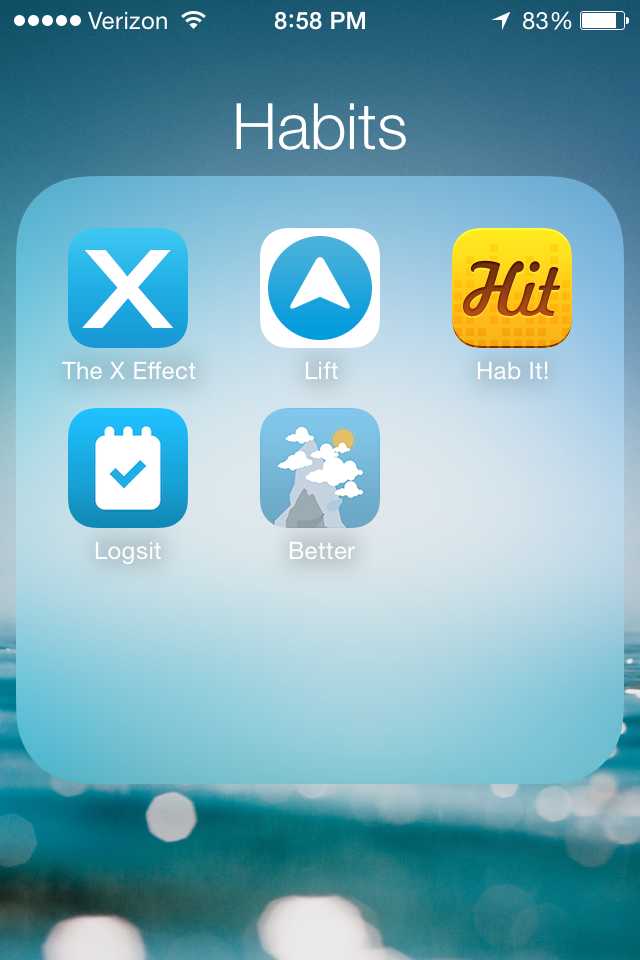
Let’s start with the first one: The X Effect.

The idea is to hit a square when you’ve complete your daily task, which you’re going to do for 49 days in order to make it a habit. The number of days needed to actually create a habit changes from person to person (and task). It felt really satisfying to see a bold X over the day. If it had audio, it would have made a “BOOM” sound every time I tapped a square.
Next: Lift

Lift works like this: you swipe right whenever you’ve completed your task, which takes you to another screen where you can make notes about how it went for the day, see your weekly stats, share it, etc. It’s much more feature heavy and for people who want to note their progress in detail. I didn’t find this very useful, since I just wanted to mark that I had finished my tasks. If this app had audio, I would imagine a “swoosh” sound. I want BOOM.
Next: Hit it (can’t find link)

Hit it was pretty cool. You could see how many days in a row you had done your tasks. You can keep track of good tasks and bad tasks that you want to kick. Similar to The X Effect without the aggression.
Next: Logsit

Logsit keeps track of the last time you did something. You swipe right to check in. It’s such a general app that it’s not really effective as a habit-building program. You can use it for a lot of other things though like figuring out the last time you went to the dentist.
Last but not least: Better Every Time
Better? How about best. When you go to log a task, you open the app, and it moves you up a mountain. The visuals are beautiful. The more times you do the task, the higher you climb. The scenery changes with every task completion. You can also take a photo/keep a note of how your task went.
Overall: I stuck with The X Effect and Better Every Time as I progressed through my experiment. (I did in fact practice Spanish using Duolingo and scales every day for three weeks.) I learned that visuals are really important (for me), and that I want to feel a strong sense of completion when I went to log the tasks. Better Every Time is amazing in that it actually takes you on a journey. You don’t know if the road ahead leads to a dark forest or a beautiful clearing… but you’re going to find out.
Video: http://senseable.mit.edu/trashtrack/trashtrack_release.mov

“Trash Track visualizes individual traces of trash objects. Everyday objects at some point in their life cycle are declared of no more use by their owners and cross the fine line between being a proudly owned utility item and a trash object”…
“TrashTrack uses hundreds of small, smart, location aware tags: a first step towards the deployment of smart-dust – networks of tiny locatable and addressable microeletromechanical systems.These tags are attached to different types of trash so that these items can be followed through the city’s waste management system, revealing the final journey of our everyday objects in a series of real time visualizations.
The project is an initial investigation into understanding the ‘removal-chain’ in urban areas and it represents a type of change that is taking place in cities: a bottom-up approach to managing resources and promoting behavioral change through pervasive technologies. TrashTrack builds on previous work of the SENSEable City Lab in its exploration of how the increasing deployment of sensors and mobile technologies radically transforms how we understand and describe cities.”
“The SkyCall quadcopter, designed by research group Senseable City Lab at Massachusetts Institute of Technology, acts like an electronic flying guide dog, hovering just ahead of the user and guiding them to their destination.”
“The urban UAV (unmanned aerial vehicle) will guide us in disorienting situations, support search and rescue efforts, track environmental problems, and even act as digital insects re-introducing natural biodiversity to our man-made environments,” he added. “As a networked intelligence with a physical form, the urban UAV offers an alternative interface to the digital layers of the city.” – via Dezeen
Go to the site to play with an interactive infographic that shows how human interaction scales with city size
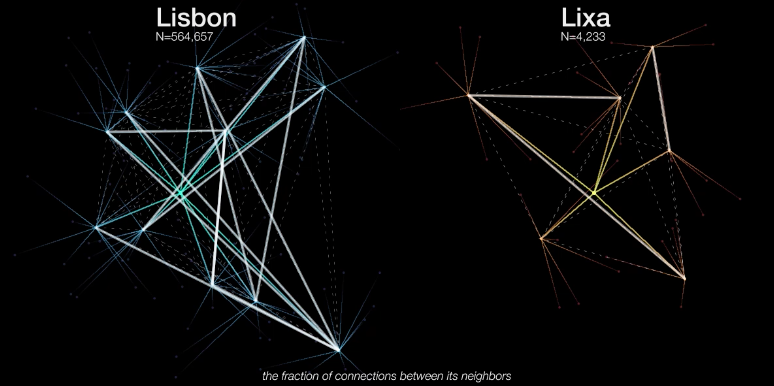
“Human interaction networks can be inferred from billions of anonymized mobile phone records. This study, focusing on Portugal and the UK, reveals a fundamental pattern: our social connections scale with city size. People who live in a larger town make more calls and call a larger number of different people. The scaling of this relation is ‘superlinear,’ meaning that on average, if the size of a town doubles, the sum of phone contacts in the city will more than double – in a mathematically predictable way.”
“Surprisingly, however, group clustering (the odds that your friends mutually know one another) does not change with city size. It seems that even in large cities we tend to build tightly knit communities, or ‘villages,’ around ourselves. There is an important difference, though: if in a real village our connections might simply be defined by proximity, in a large city we can elect a community based on any number of factors, from affinity to interest to sexual preference.”
See all projects here












 The Design Ocean